
Overview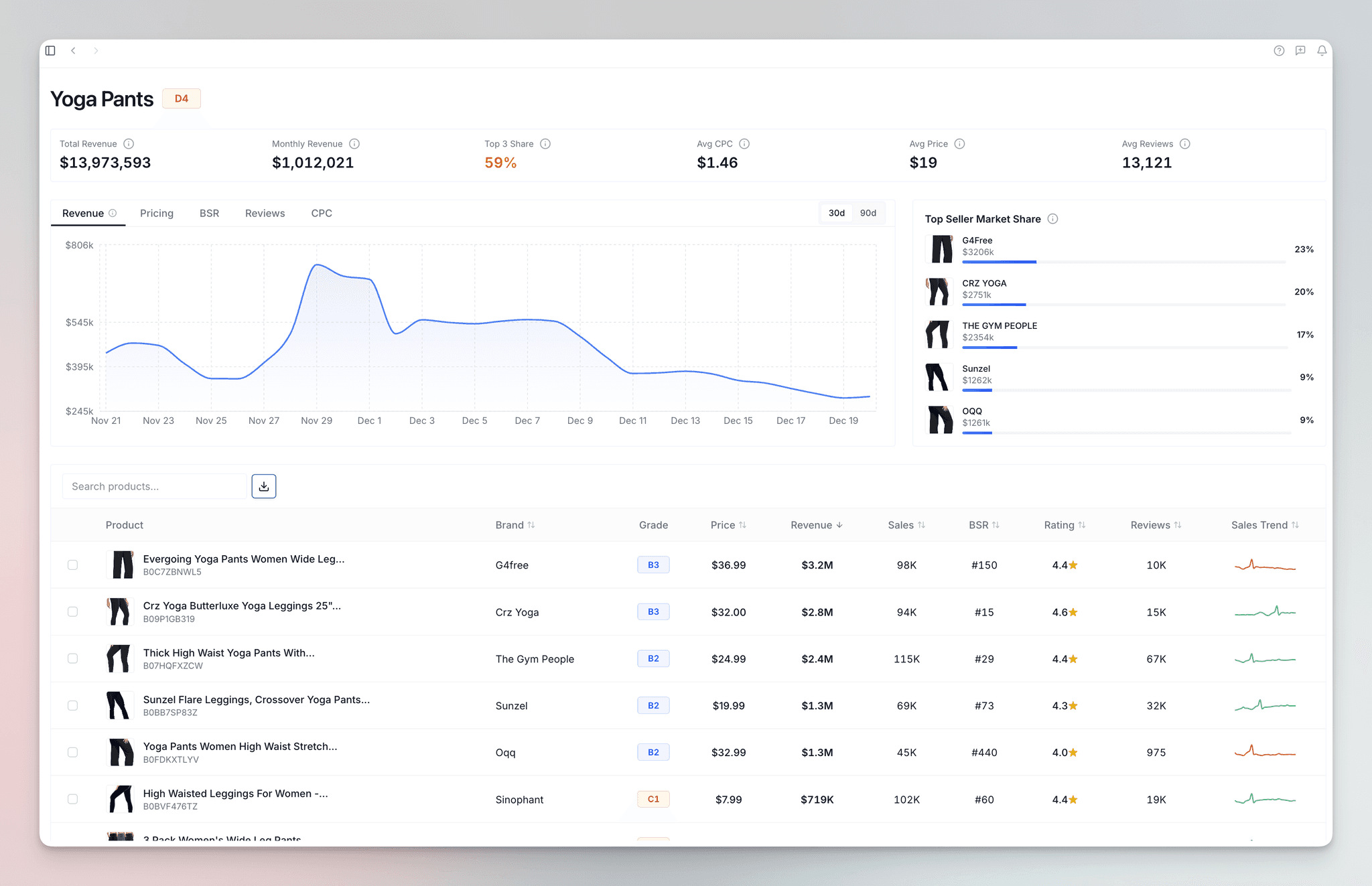
Getting Started
Follow these simple steps to create your account, explore the dashboard, and analyze your first product market.
Setting Up Your Account
Register Your Launch Fast Account
- Visit the Launch Fast Sign Up page
- Submit your email and password and click "Get Started".
Select a Plan
- Choose a plan that fits your needs.
- Submit your billing details and activate your account.
Explore The Dashboard
- You are now ready to explore and gain insights on Launch Fast ✅
Run Your First Market Research
Launch Fast currently supports the Amazon US marketplace only.
When your account is set up, you are ready to run your first Market Research.
- Open the Dashboard and click on New Research.
- Enter a product keyword, niche, or up to 15 ASINs for markets you are interested in.
- Launch Fast will generate a detailed analysis with market metrics and an overall Grade rating (F1–A10).
- Review revenue, search volume, CPC, price, and reviews.
- Save the research to enter the market Deep Dive or review for later.

Documentation
Official Launch Fast guides for Amazon market research, product validation, supplier sourcing, PPC research, rank tracking, and AI agent workflows.
How Launch Fast Works
Learn how Launch Fast combines Amazon marketplace, keyword, supplier, and historical data for product research, launch planning, and optimization.