
Launch Fast MCP: Amazon seller intelligence in Claude and Codex
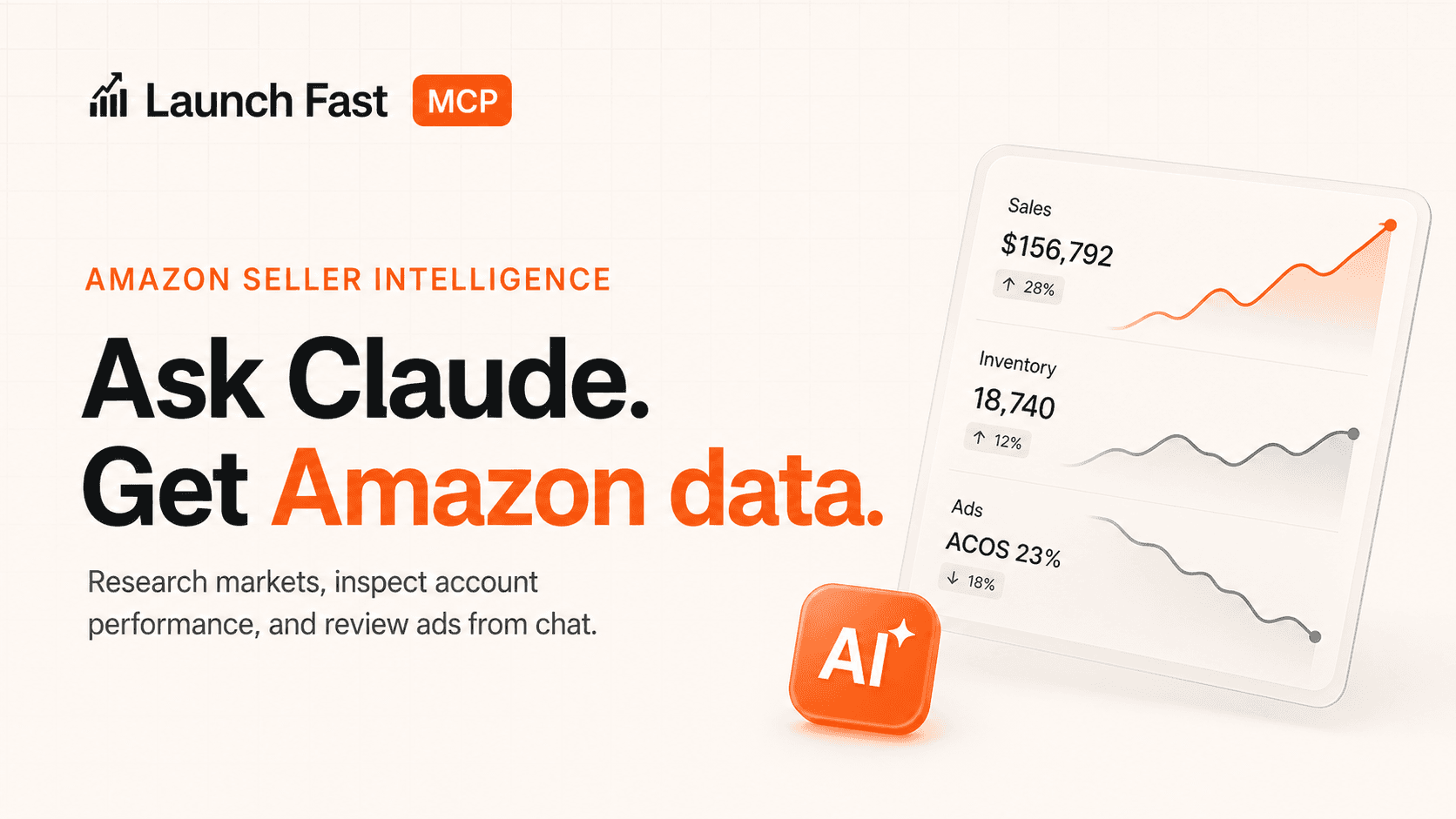
Research products, find keywords and suppliers, track rankings, check IP risk, and analyze connected Amazon sales, inventory, finance, Brand Analytics, and ads data from chat.
The Short Version
Launch Fast MCP lets Claude, Codex, and other MCP-compatible AI assistants answer Amazon seller questions with Launch Fast data instead of general model knowledge.
You ask in plain language. Your assistant chooses the right Launch Fast tool, calls it, and explains the result. You do not have to memorize tool names to use it in Claude.
What You Can Do
Validate product ideas
Research a market, pricing, reviews, competition, and entry risk.
Find keywords and suppliers
Pull competitor keywords, then compare supplier options.
Check rankings and IP risk
Review tracked movement or screen product and brand risk.
Inspect Amazon account data
Summarize synced sales, inventory, finance, and Brand Analytics.
Analyze Amazon Ads
Review spend, ACOS, ROAS, targets, search terms, and waste.
Use paste-ready workflows
Start from prompts for research, account health, and ads review.
Tool Groups
Research & Discovery
Markets, keywords, suppliers, IP risk, and rankings.
Amazon Account Tools
Synced sales, inventory, finance, and Brand Analytics.
Amazon Ads Tools
Sponsored Products reporting and diagnostics.
What Works Before Connecting Amazon
Research & Discovery tools can help evaluate new product opportunities from Launch Fast research providers and public or market data. These tools are useful before you connect an Amazon seller account, although paid-plan limits apply.
Use these to research a niche, check competitors, find suppliers, or screen IP risk. IP screening is a research aid, not legal clearance or a guarantee that a product is safe to sell.
What Requires Connected Amazon Data
Amazon account reports require a Seller Central connection in Launch Fast. Sponsored Products reports require a separate Amazon Ads connection and synced reporting data.
For a sales and ads review, follow this order:
- Open Settings → Authentication and set up Authenticator app.
- Open Settings → Amazon, verify if prompted, and connect Seller Central with Connect Amazon seller and advertising with Connect Amazon Ads. These are separate connections.
- Allow the first sync to finish. Allow up to 60 minutes as an initial-sync estimate, not a guarantee. Check the connection, sync status, and available report dates using data readiness.
- Add Launch Fast in your AI app, choose the relevant permissions, and complete any authenticator verification in the browser.
- Start a conversation and request a sales or Sponsored Products review for a specific date range.
| Tool Area | Required Connection |
|---|---|
| Sales, inventory, finance | Amazon Seller Central/SP-API connected in Launch Fast |
| Brand Analytics and catalog/search performance | Amazon Seller Central/SP-API with available Brand Analytics data |
| Sponsored Products reporting | Amazon Ads connected in Launch Fast |
Safety Boundaries
It does not place Amazon orders, create listings, modify campaigns, change bids, update inventory, issue refunds, change prices, or contact suppliers by itself.
Most Launch Fast MCP tools are read-only. They inspect, summarize, and explain data. Rank Tracker management can change Launch Fast tracking by adding, updating, or removing tracked products. The Amazon reporting tools are read-only and cannot change bids, budgets, listings, or inventory.
Setup Paths
Use browser sign-in for both desktop apps:
- Claude: Customize → Connectors → Add custom connector.
- Codex desktop: Settings → Plugins → Add → Add MCP server.
Enter this server URL, sign in to Launch Fast, choose the permissions you need, and complete any authenticator verification:
https://launchfastlegacyx.com/api/mcp/serverFollow the short Getting Started steps. Desktop users do not need a JSON file, terminal command, or API key. Developer API-key configuration is a separate alternative.
Access And A Successful Connection
MCP requires active paid Growth or Scale access. Starter does not include it. Research allowances and request limits still apply; see access and usage.
The assistant must actually call Launch Fast and return available account data for your requested dates. Check the app's tool activity and the returned result. A plausible answer alone does not confirm a working connection. Missing or unsynced data must be identified as unavailable, not zero sales or zero spend. Recent reports can be delayed or revised by Amazon.