
Research from one Deep Dive
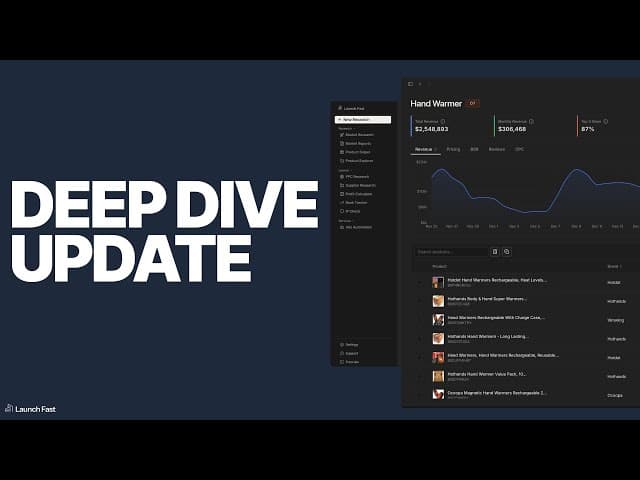
Research from one Deep Dive demo
Market Deep Dive now lets you keep the profit calculator open beside your research. You can review products and adjust cost estimates in the same view, then start related research directly from the products table.
Check margins as you browse
Open the slide-out profit calculator from Deep Dive and pin it in place. Margin estimates update as you adjust the inputs, so you can compare costs while reviewing a product.
Start related research from a product
The products table now includes actions to open PPC Research, start Supplier Research, or create a Profitability Calculator project from a row. You can continue investigating the product from the table you're already using.
Share a market snapshot
Anonymous screenshots let you share findings for feedback without exposing your niche. A snapshot includes summary cards, a products table, and a keywords table.
This release also brings dark mode across the app. The Market Research guide explains the Deep Dive workflow.
Correct revenue figures
Two fixes improve the revenue data shown in Deep Dive: summary cards now show the correct values when a product is selected, and an issue that caused some products to display zero revenue has been resolved.