Changelog
Latest updates and improvements to Launch Fast
Chrome extension: clearer product research, Deep Dive, and calculator updates

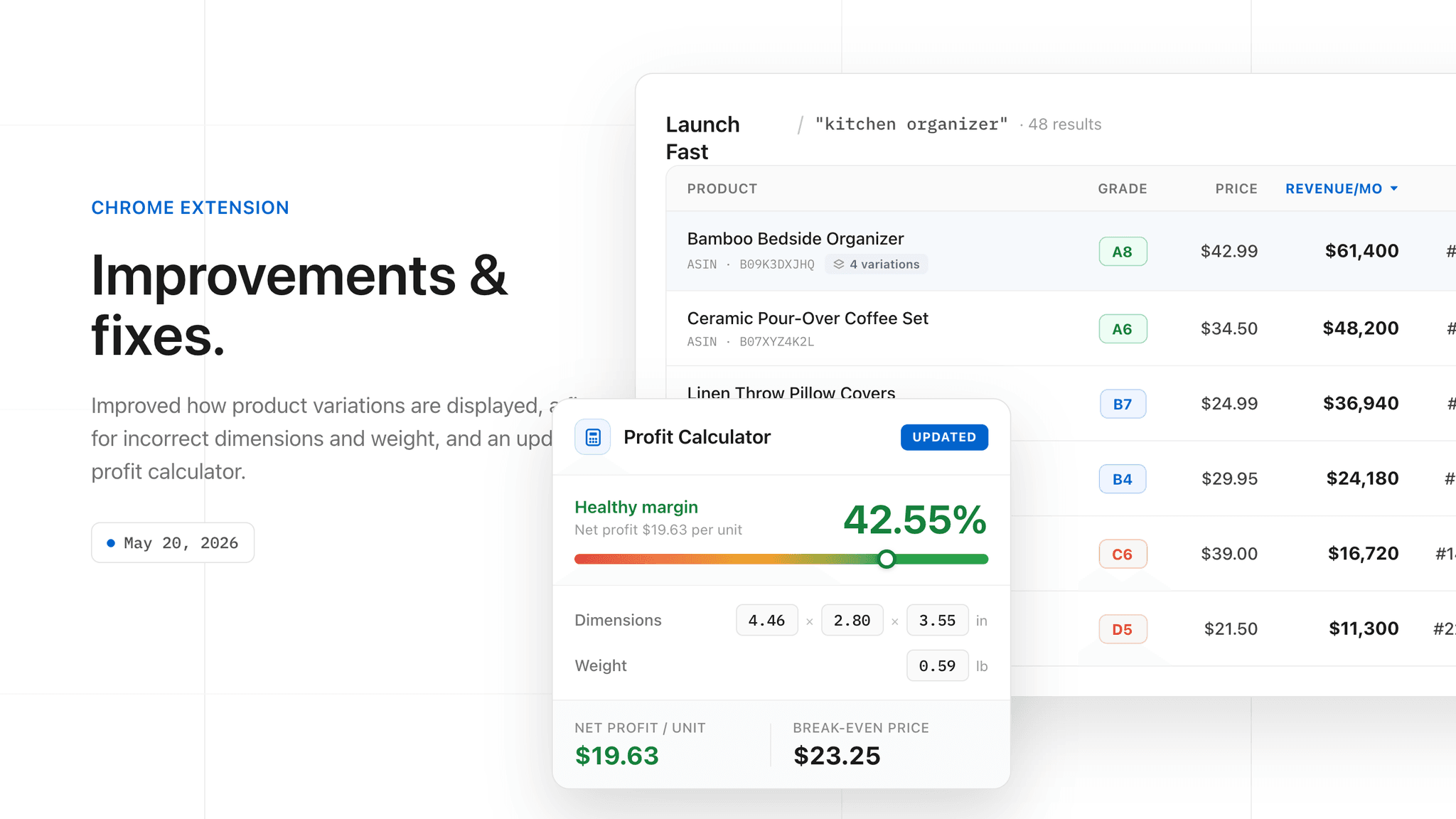
Launch Fast's Chrome extension now makes Amazon product pages easier to read. The selected ASIN stays separate from variation-family research, Deep Dive views are cleaner, and the profit calculator is easier to scan.
- Product page research now makes it clearer what belongs to the selected ASIN and what belongs to the broader variation family
- Deep Dive buttons, titles, and table labels now match the rest of the extension more closely
- The profit calculator has cleaner spacing, simpler inputs, clearer fee totals, and advertising costs turned off by default
- Product weight, shipping weight, and package dimensions are detected more reliably when Amazon provides them
- Usage-limit messages now appear when credits run out instead of leaving the extension stuck in a loading state
Listing Studio: your listing images, done for you

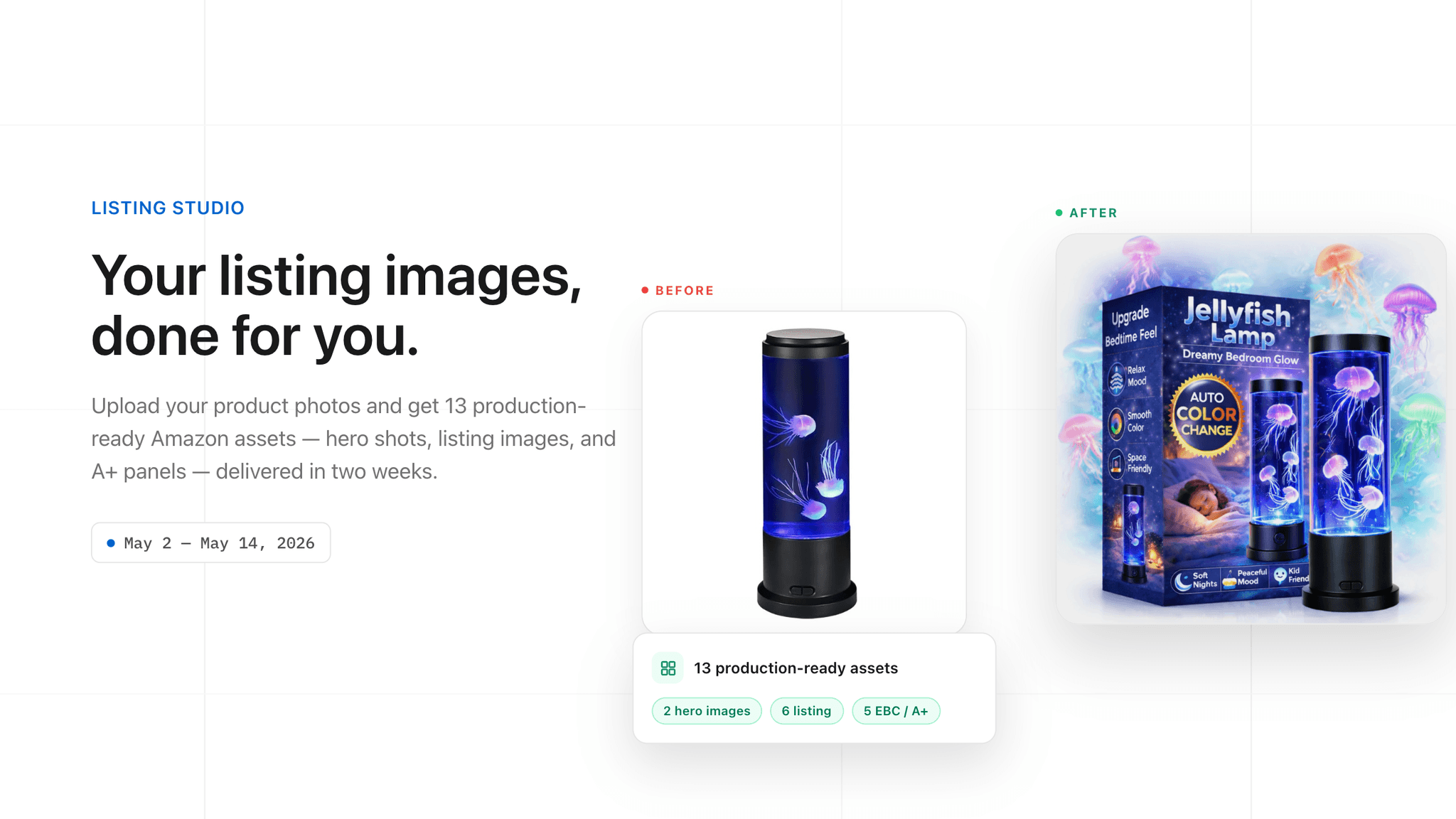
Listing Studio has launched — it turns your raw product photos into a complete, conversion-ready Amazon image set. Upload what you have and our team delivers 13 production-ready assets — hero images, listing images, and A+ content panels — with every creative decision driven by best-seller performance data.
- Upload your product photos, get 13 finished assets back
- 2 hero images, 6 listing images, and 5 EBC/A+ content panels
- AI-optimized, data-backed creative direction, delivered in two weeks
New pricing, and free Amazon FBA tools

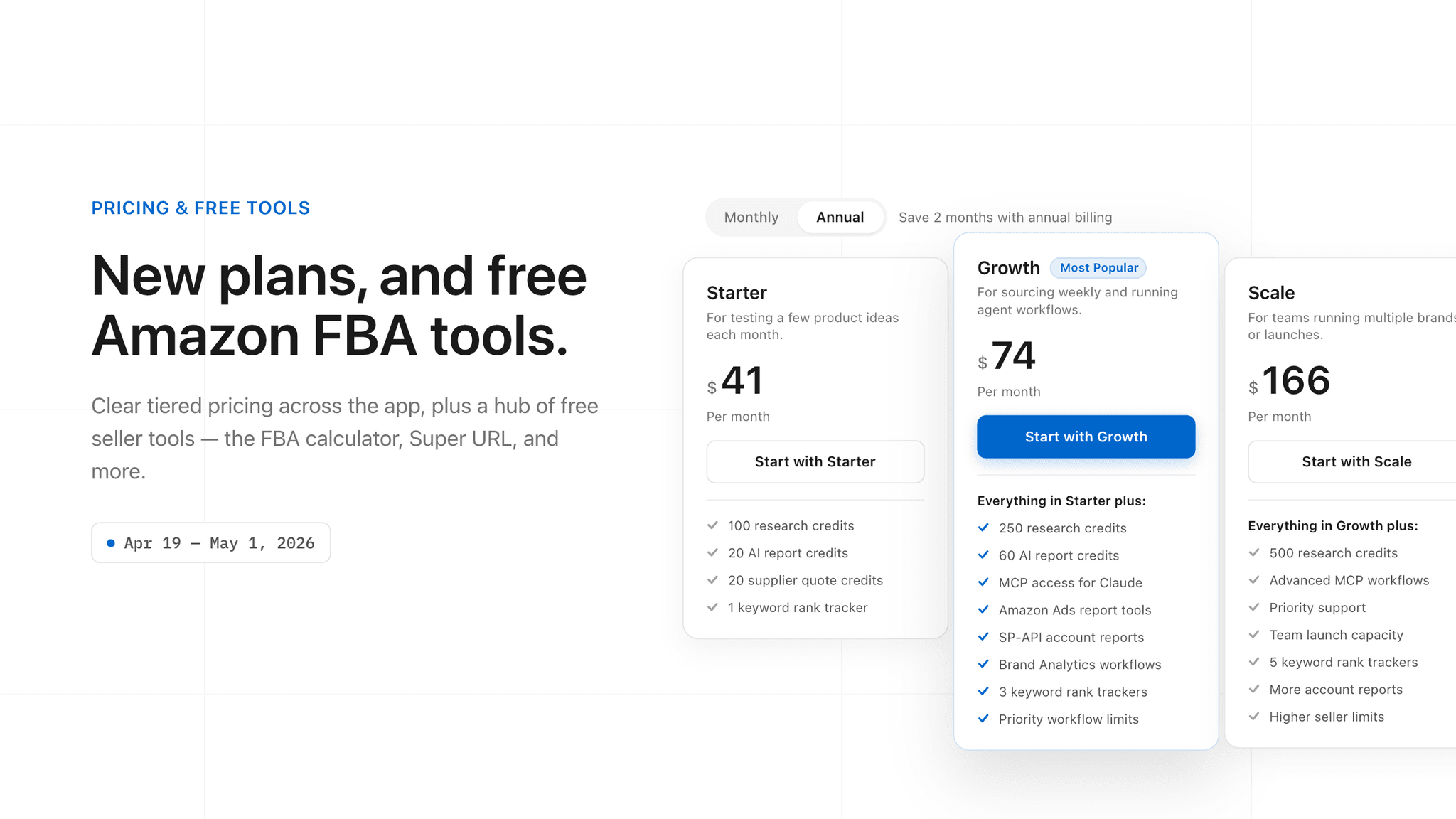
Launch Fast now has a clear three-tier pricing page — Starter, Growth, and Scale — so you can start small and upgrade as you need more credits, reports, rank trackers, and MCP access. We also opened a hub of free Amazon FBA tools anyone can use without an account.
- Three plans: Starter ($49/mo), Growth ($89/mo), and Scale ($199/mo)
- Annual billing saves two months on every plan
- Free FBA profit calculator and Super URL generator — no account needed
Smoother onboarding, research that doesn't quit

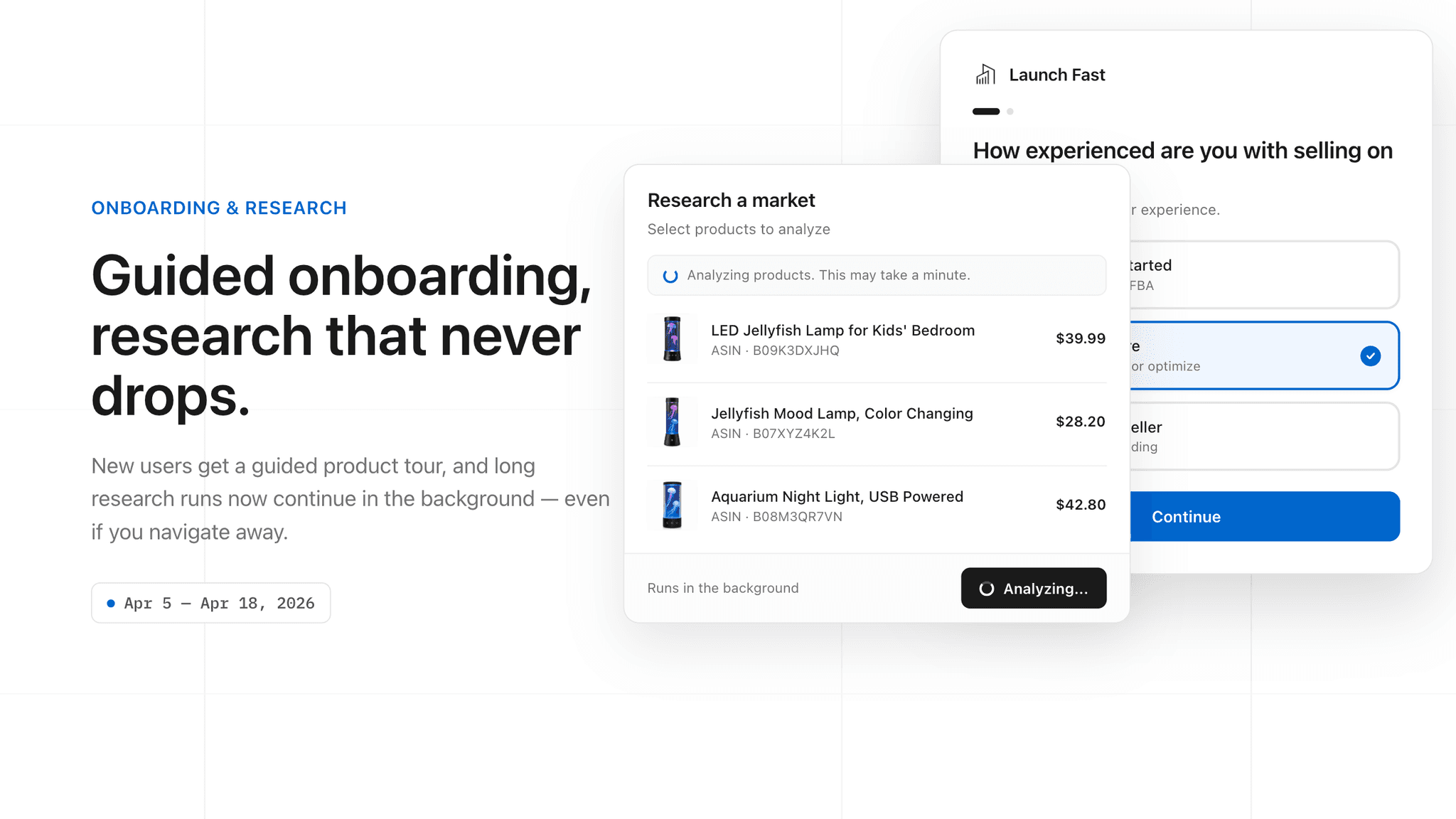
New users now get a short guided setup that tailors Launch Fast to your experience level and goals. And long-running research is more dependable — market research, PPC research, and the Listing Builder now run as background jobs that keep going even if you navigate away, recovering partial results instead of failing the whole run.
- A quick guided setup flow for new accounts
- Research continues in the background and survives navigation
- Partial results are recovered instead of lost
Connect your Amazon account

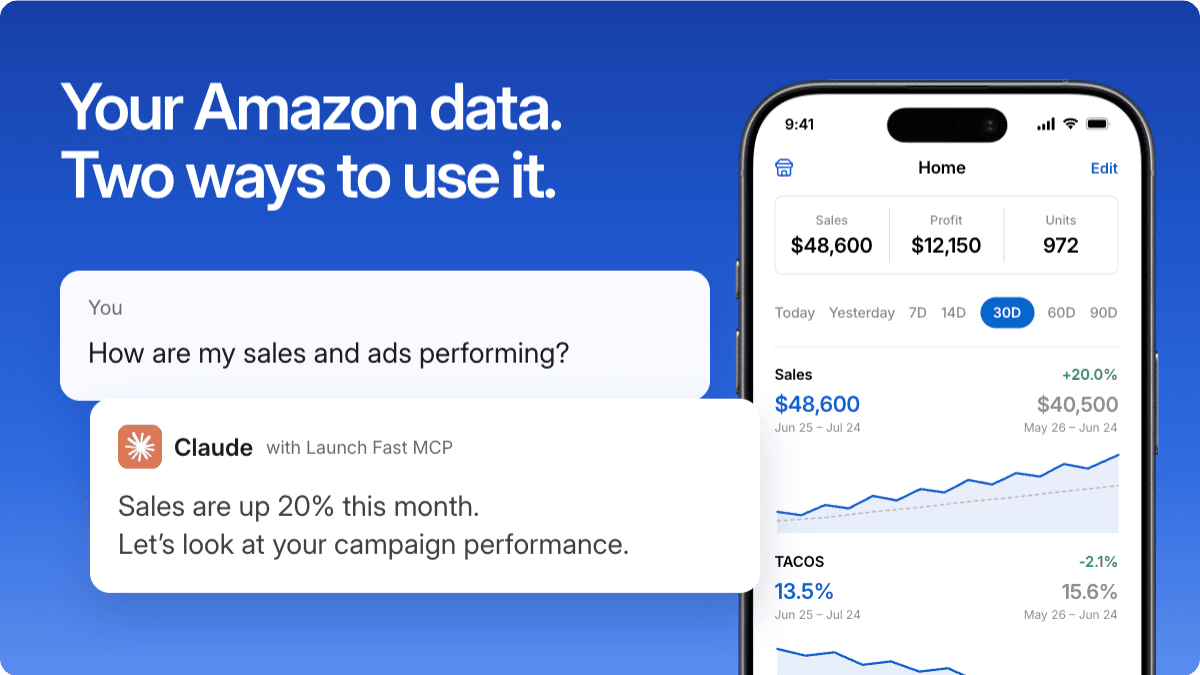
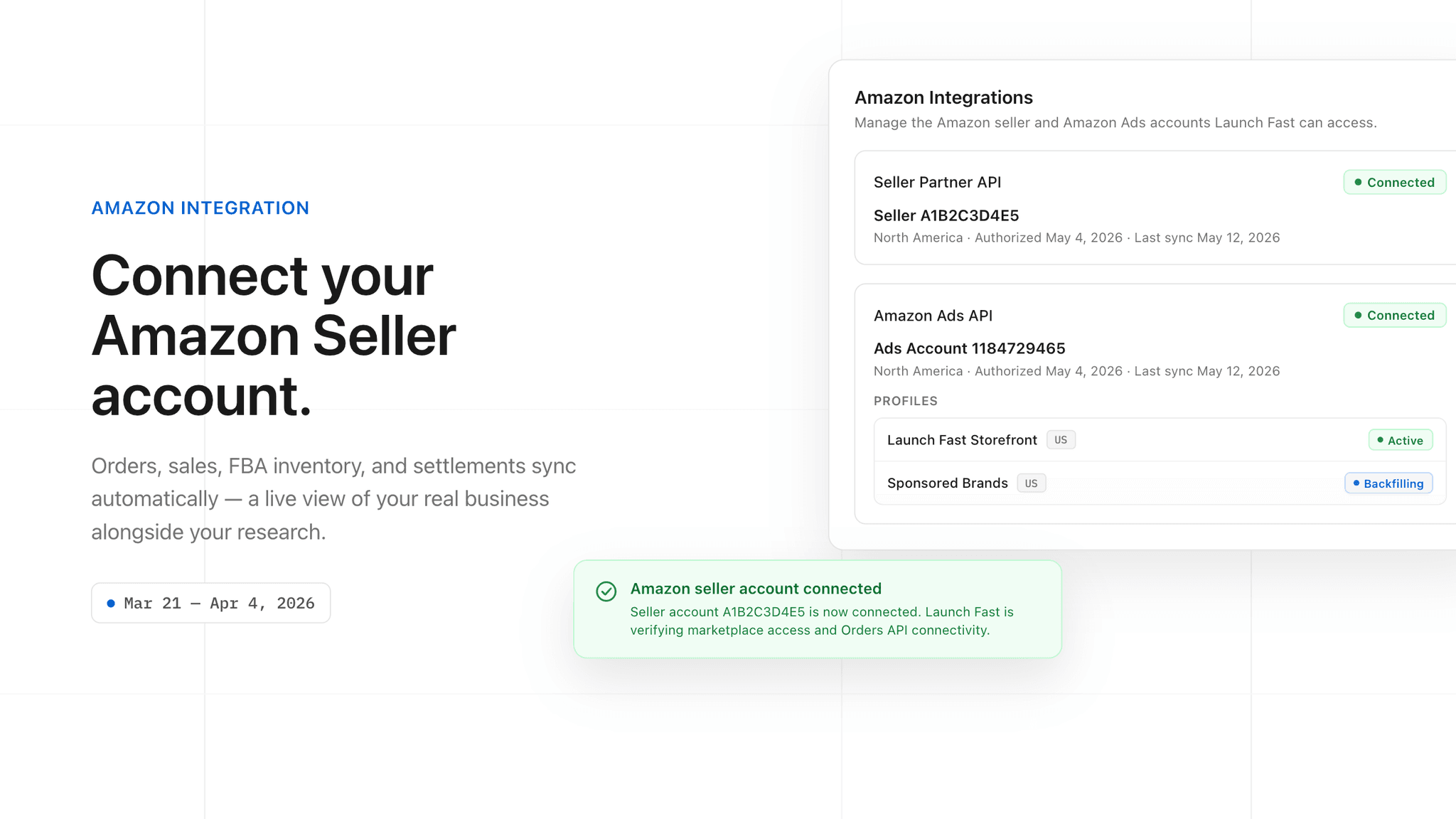
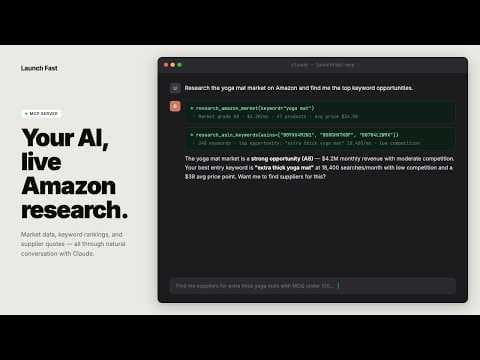
You can now connect your Amazon Seller Central and Amazon Ads accounts to Launch Fast. Once connected, your orders, sales, FBA inventory, settlements, and ad performance sync automatically in the background — ready to query in plain language through the Launch Fast MCP for Claude.
- Connect Seller Central and Amazon Ads from your account settings
- Automatic background sync of orders, sales, inventory, and settlements
- Connection health is verified and maintained for you
- Ask Claude about your live account data via the Launch Fast MCP
MCP OAuth 2.1 Connectors

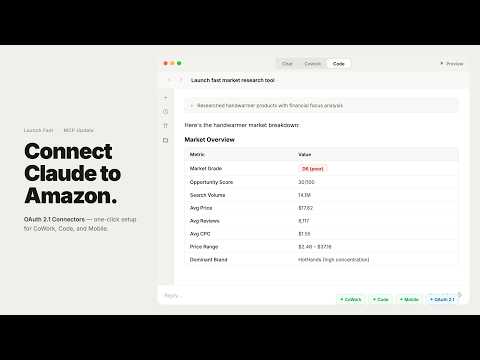
Launch Fast MCP now supports OAuth 2.1 Connectors — a one-click GUI setup that replaces manual JSON configuration for Claude. Paste the server URL, sign in, and you're connected. No config files, no API keys, no terminal. This also unlocks Launch Fast across Claude CoWork, Claude Code, and Claude Mobile so your Amazon research tools travel with you everywhere.
- One-click Connectors GUI setup — no config files or API keys needed
- Works across Claude CoWork, Claude Code, and Claude Mobile
- OAuth 2.1 with PKCE for secure, token-based authentication
- All five MCP tools available instantly after connecting
Saved Filters for Product Sniper and Image Thumbnails

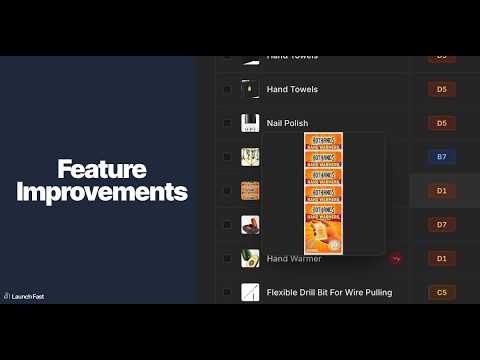
Product Sniper now lets you save and reuse your filter configurations so you can jump straight back into your research setup. Image thumbnails now appear on hover across all product tables, giving you a quick visual reference without leaving your workflow.
- Saved Filters in Product Sniper — store your filter sets and reload them instantly
- Image thumbnails on hover in product tables for faster visual scanning
MCP Server v2 for AI Agents

Launch Fast MCP is now fully upgraded for agent workflows. Connect Claude, Cursor, Windsurf, OpenClaw, and other MCP clients to run product research, keyword analysis, supplier sourcing, rank tracking, and IP checks directly inside chat. The docs now include complete setup, integrations, workflows, and an OpenClaw section so teams can go from install to execution in one pass.
- New MCP documentation hub with five core pages and guided setup
- Expanded tools reference for Product Research, Keyword Research, Supplier Research, Rank Tracker, and IP Check
- Integration guides for Claude Desktop, Claude Code, Cursor, Windsurf, and any MCP-compatible client
- OpenClaw workflow docs for browser actions, Google Sheets, report generation, and supplier outreach
- Updated MCP Skills page and ClawHub skills support for advanced agent chains
Chrome Extension v2

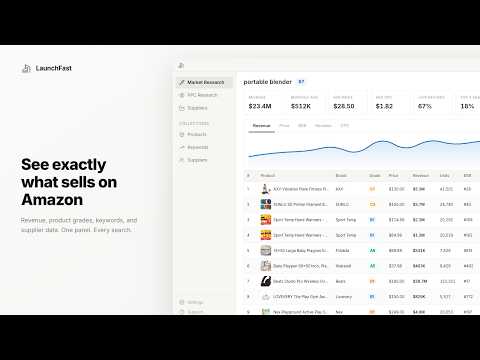
The Chrome Extension has been rebuilt from the ground up with a new UI and core research features. Search any keyword on Amazon and get market-level revenue, pricing, competition data, and a letter-number grade instantly. Every product on the page gets an inline card with monthly revenue, BSR, and a grade. Open the dashboard for sortable tables, historical charts, filters, and product comparisons.
- New grading system for markets (A10–F1) and individual products
- PPC Research with keyword ranking matrix across up to 15 ASINs
- Supplier Research with Alibaba matches, pricing tiers, and MOQ
- Visual Research for competitor image and video galleries with bulk downloads
- Collections to save products, keywords, and suppliers across sessions
- Profit Calculator with FBA fee breakdown that auto-fills from research data
In-App Tabbed Navigation

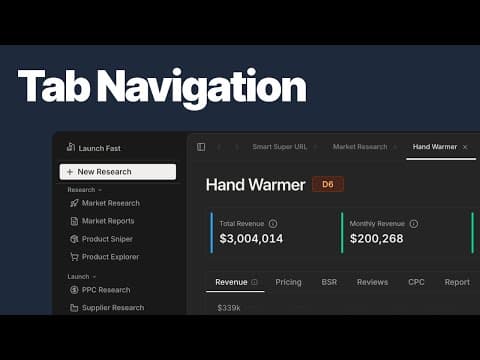
Work on multiple markets and products simultaneously without losing your place. A new browser-like tab system lets you open deep dives and tools in separate tabs, making research workflows faster and more organized.
- Open pages in new tabs via right-click context menu
- Reorder and manage tabs with keyboard shortcuts
- Tabs auto-name based on content (market keyword, product ASIN)
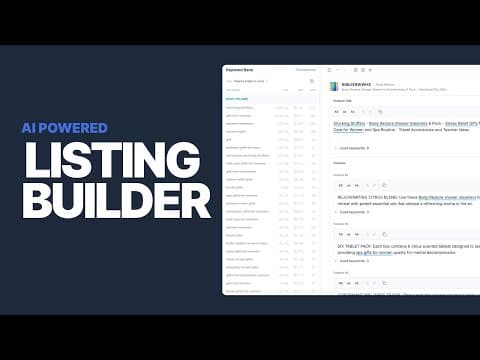
AI-Powered Listing Builder

Create high-converting Amazon listings with optimized keywords using the new AI-Powered Listing Builder. The Launch Fast agent analyzes product data, competitor listings, and customer reviews to generate compelling listing copy — then helps you refine it.
- AI-generated titles, bullet points, descriptions, and backend keywords
- Data-driven keyword optimization based on search volume, CPC, and SPR
- Competitor analysis for context and inspiration
- Customer insights from review synthesis
- Integrated editing with automatic keyword tracking
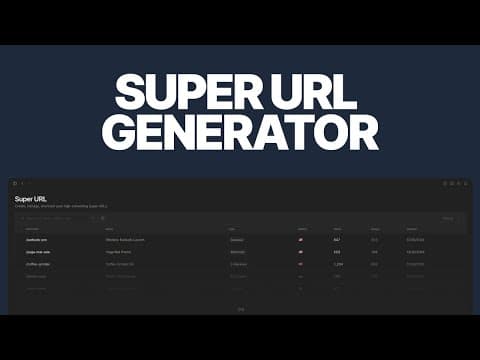
Super URL Generator with Click Analytics

Generate optimized Amazon URLs for product launches, ranking campaigns, and marketing — then track every click. Choose from 10 URL types across 10 marketplaces with full analytics.
- Generate Canonical, Add to Cart, Buy Together, Clean Page, and 2-Step URLs
- Track clicks with 30-day trend charts, device breakdown, and location data
- Manage URLs with tags, bulk operations, and CSV export
- Free public tool + full dashboard for paid subscribers
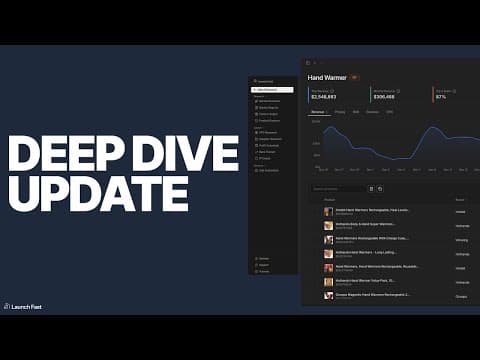
Streamlined Market Deep Dive

Estimate margins in real-time with the new pinnable profit calculator sidebar. Trigger follow-up research directly from your products table. Share your findings anonymously for feedback without revealing your niche.
- Pin the profit calculator sidebar to estimate margins while you research
- Launch PPC, Supplier, or Profitability projects directly from the products table
- Generate anonymous screenshots with KPI cards, products, and keywords
- Full dark mode support across the app
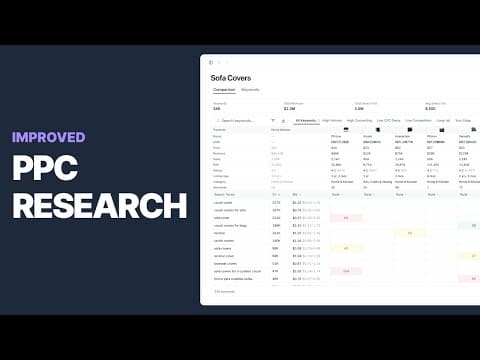
Rebuilt PPC Research, Performance Upgrades, and UI Refresh

Launch Fast introduces a completely rebuilt PPC Research experience — designed for faster keyword discovery, deeper insights, and smoother analysis.
You can now analyze up to 15 ASINs simultaneously and explore keyword performance with intuitive visuals and ranked insights. Use quick filters for High Converting, Low CPC, and Your Edge segments.
- Compare products side-by-side with live performance metrics
- Export keyword or product data for deeper offline review
- Filter and sort by any metric instantly