
Keep research open in tabs
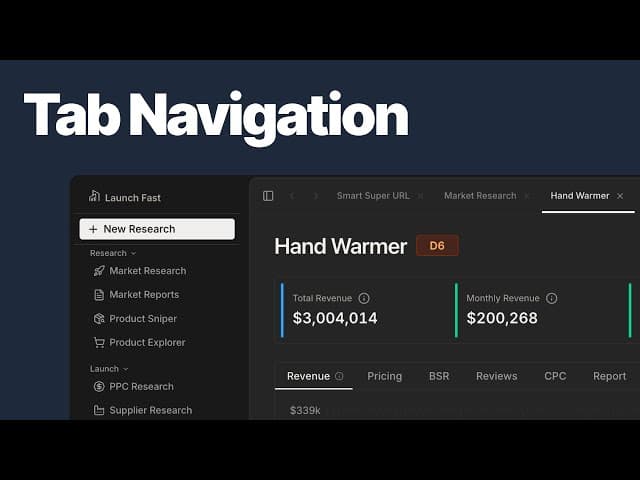
Keep research open in tabs demo
Launch Fast now has in-app tabs for working on several markets, products, or tools during the same session. You can open a Deep Dive alongside another page and switch back when you need it.
Organize your open research
Right-click to open a page in a new tab. Tabs name themselves using the market keyword or product ASIN, and you can drag them into a different order.
The tab menu includes Close, Close Others, Close to Right, and Copy URL. Up to five tabs can stay open at once; opening another closes the oldest tab. Tabs remain available during your session.
Switch with the keyboard
Use Cmd+Shift+] and Cmd+Shift+[ to move between tabs. Cmd+1 through Cmd+5 jumps directly to a specific tab.
Choose your own date range
This release also replaces the fixed 30-day and 90-day chart options with a custom date picker. Revenue, price, and BSR charts use the period you choose, along with the summary metrics and leaderboards.
Open Market Research to explore the research views and date controls.