
Connect Launch Fast to Claude
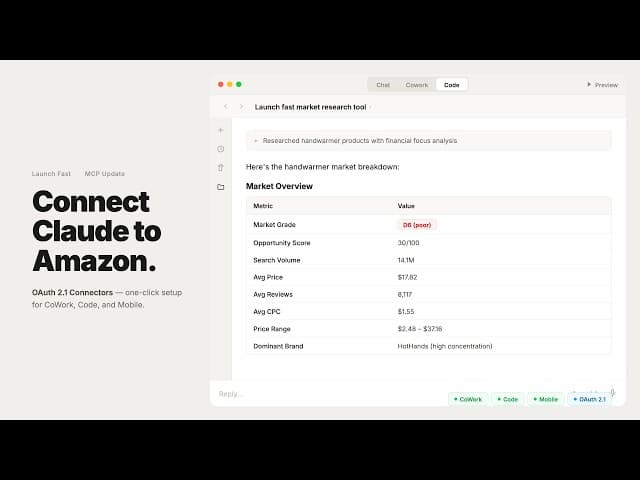
Connect Launch Fast to Claude demo
Launch Fast MCP now supports a connector setup in Claude. Paste the server URL into Claude's Connectors settings and sign in with your Launch Fast account to make the research tools available.
Sign in through the connector
The connector flow replaces manual JSON configuration for Claude. You don't need to edit a configuration file or manage an API key to use this setup.
Authentication uses OAuth 2.1 with PKCE, with automatic token refresh to keep the connection working after sign-in.
Use research tools in your AI workflow
This release made all five Launch Fast research tools available through the connection: Product Research, Keyword Research, Supplier Research, Rank Tracker, and IP Check.
Support covers Claude CoWork, Claude Code, and Claude Mobile. That lets you access research in a team workspace, a coding workflow, or from your phone, depending on the client you use.
Follow the MCP setup guide for the server URL and connection instructions.