
Amazon research in your AI chat
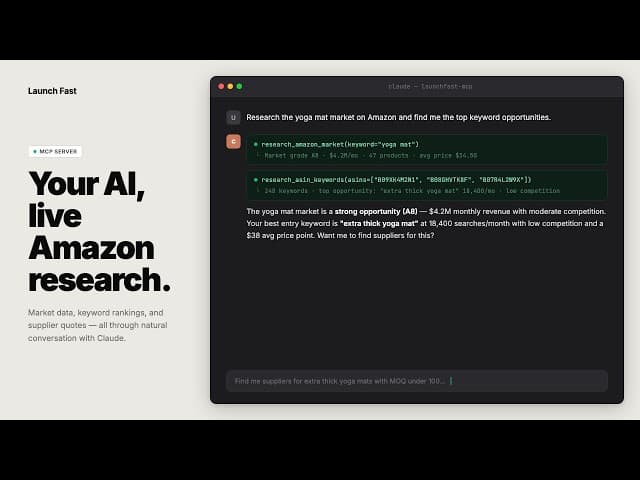
Amazon research in your AI chat demo
Launch Fast MCP v2 brings Amazon research tools into Claude, Cursor, Windsurf, OpenClaw, and other compatible AI clients. You can ask for research in chat and use Launch Fast data to explore a product idea.
Research with five connected tools
The tools cover the main steps in reviewing an Amazon opportunity:
- Product Research: review market grades, demand, pricing, competition, and leading ASINs.
- Keyword Research: compare search volume, cost per click, ranking overlap, and keyword gaps.
- Supplier Research: find Alibaba suppliers using Gold Supplier and Trade Assurance filters.
- Rank Tracker: compare keyword movement and trends for up to 3 ASINs.
- IP Check: review trademark and patent risk signals from USPTO checks, with low, medium, or high risk outputs.
You can combine these tools in a conversation, such as researching a market, comparing competitor keywords, and then looking for suppliers.
Follow a guided setup
The documentation now includes an MCP overview, guided setup, tool references, and integration instructions. It covers Claude Desktop, Claude Code, Cursor, Windsurf, and other MCP-compatible clients.
Start with the MCP connection guide, then use the research workflows for examples of how to combine tools.
Build longer agent workflows
This release also adds OpenClaw documentation for browser actions, Google Sheets, reports, and supplier outreach workflows. Updated MCP Skills guidance and ClawHub support help users connect several steps into a longer workflow.